So I built a tool that does it in one command. 👇
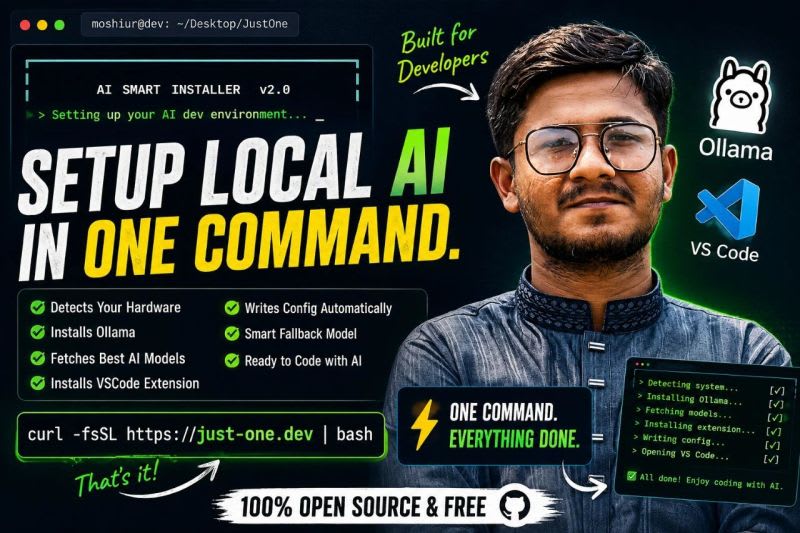
Introducing Just-One — an AI Smart Installer for developers.
One command. That's it.
[ https://github.com/moshiurrahmandeap11/Just-one ]
Here's what happens next 👇
• Detects your Linux distro automatically
• Reads your CPU, RAM, GPU & VRAM
• Installs Ollama via official installer
• Fetches live AI models from ollama.com/library
• Filters models based on YOUR hardware
• Installs VSCode Continue extension automatically
• Writes the complete config file for you
• Opens VSCode — ready to code with AI
No manual config. No guessing which model fits your RAM.
Just one command and you're done. ⚡
It even sets a fallback model (qwen2.5-coder:1.5b) for autocomplete — so tab-complete works out of the box.
Support all of this platform - Windows | Linux | MacOS
This is 100% open source and free.
Built by a developer, for developers.
If this saves you time — drop a ⭐ on the repo. It means a lot. 🙏